Instagram stories have revolutionized the way brands and influencers engage with their followers. Moreover, more than 400 million people use Instagram Stories daily, making it not only the most popular feature but also the most powerful tool that can help you connect with your audience on a more personal level.
But the catch is that stories, highlights, reels, and posts of other people might vanish from your feed if you are not following them, leaving many wondering how to save them for future use.
Whether you are looking to repurpose your content using someone else’s ideas or want to save some important highlights, the only question that might pop into your mind is: Can I Download Instagram Content?
And the answer is yes, you can. In this guide, we will explore the different ways that Instagram allows you to download stories, highlights, reels, posts, and videos, ensuring none of your favourite content is lost over time.
Ways to Download Instagram Content
Instagram content can be a picture or a video. Saving a picture is very easy; all you have to do is take a screenshot, and it is stored in your gallery until you delete it; however, when it comes to saving the video from Instagram, a bit more finesse is required.
- Screen Recording
The most effective way to save a video to your gallery is by using your smartphone’s built-in feature of screen recording. Below are the steps on how you can quickly capture someone’s video and save it to your phone:
For IOS
- Go to the settings of your iOS and click on Control Center. Now add screen recording to the centre, as it might not be listed in the menu.
- Now open the Instagram app and visit the video you want to download
- Once done, now swipe down from the top right corner of the screen and click on the record button
- Now let the video play completely
- Once the video is finished playing, you can tap again on the record button to stop the screen recording.
- The recording will be saved in your camera roll; you can edit or trim the video accordingly.
For Android
- Visit the video on your Instagram app, which you want to download
- Swipe down from the top of the screen to access the quick menu, and then click on the screen recording option.
- Click on the record button and let the video play completely
- Once done, click on the stop recording video
- Your video will be saved in the gallery of your phone, which you can access any time and cut or trim accordingly.
Screen recording is an easy and effective way that allows you to save Instagram content without using any third-party tool. By following the above steps of using screen recording, you can preserve those fleeting moments for as long as you need.
- Browser Extension
Instagram content can be downloaded with the help of browser extensions, specifically for those who prefer a desktop for managing their content. Google extensions boast a lot of extensions that help in saving any image, video, story, highlight, or reel with just a single click.
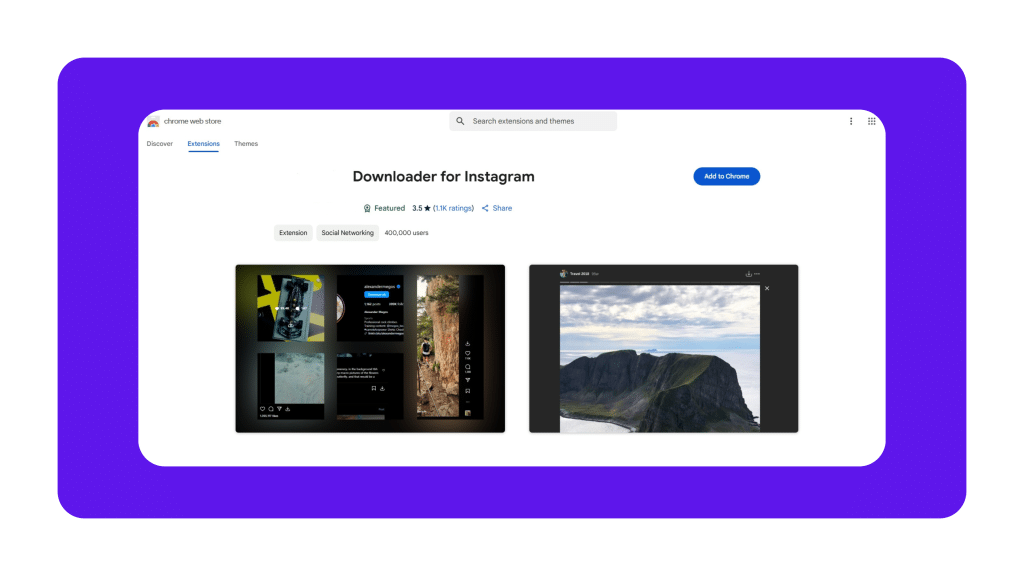
All you have to do is add the extension to your browser and follow the steps below.
- Once you open your Instagram, you will be able to see a download button beneath the Instagram content, be it a story or reel.
- Now all you have to do is just click on the download button, and the video will be saved on your desktop.
- Third-Party Tools
A lot of Instagram users have been trying to save stories, reels, highlights, and posts from someone else’s account, but Instagram has only provided a download feature for reels and posts, but that too on public accounts. This can be frustrating, especially when there is something you love to see and need to see again before it never comes back to your feed.
Enter ViewSocials, an anonymous Instagram viewer software that is specifically designed to download Instagram content without any hassle. Below is how you can do it:
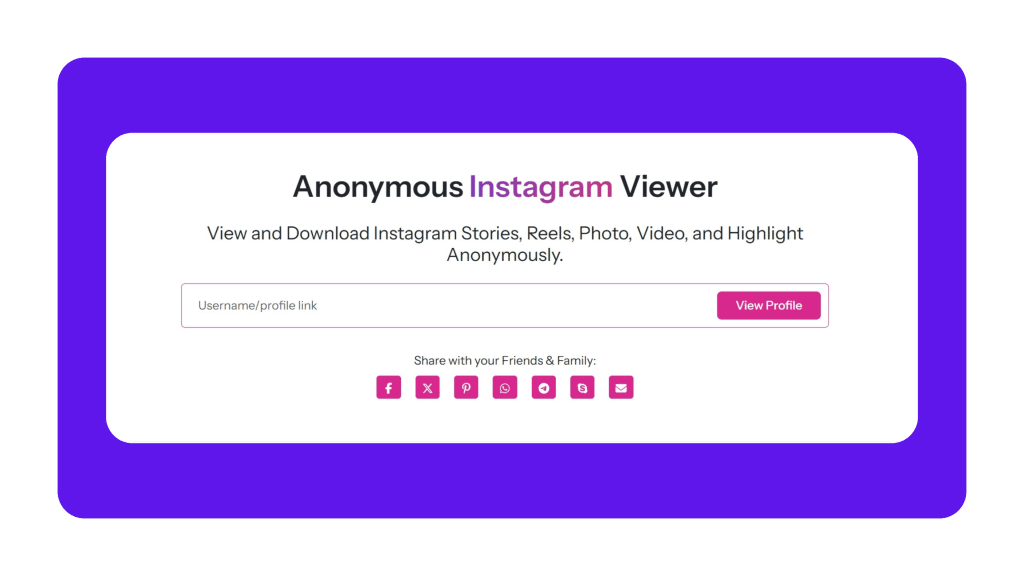
- Visit the website viewsocials.com
- Enter the username or profile link you want to search in the search bar
- Hit the search icon, and you will be able to see the Instagram page of that specific person with stories, highlights, reels, and posts.
- To open the content you want to download, click on it. A new window will open with the content and a download button below it.
- Click on download and it will be saved directly to your device in high quality
- Enjoy the downloaded content whenever and wherever you want.
Why Use ViewSocials?
- 100% Anonymous:ViewSocials keeps your identity hidden and never shares your information with the profile you are spying on. Do not worry about your safety and privacy while you save those Instagram stories to your phone.
- No Registration Required:To use ViewSocials, you don’t have to create any account on the platform or login with your personal Instagram ID. To view the Instagram story of your desired profile, all you have to do is visit the website and search for the desired profile.
- View and Download:ViewSocials allows users to not only view Instagram content but they can also download it to their phone with just a single click.
- No App Installation:The best part of using ViewSocials is you do not have to download any app or software to anonymously view the Instagram stories of your friends.
- Free and Reliable:ViewSocials is free to use, which means that viewing or downloading content using ViewSocials will not cost a penny. Moreover, there are no hidden costs associated.
- Support All Devices:ViewSocials allows its users to view Instagram stories of the individual they desire on any device, be it a phone or laptop; all it requires is a stable internet connection.
Conclusion
Downloading content from Instagram can be helpful if you want to prevent the content from being lost in the vast network of Instagram. By downloading your favourite content, you can be sure that it is with you forever and serves your purpose of downloading. There are ample of ways to download Instagram stories, highlights, reels, posts, & videos; however, we have listed the top 3 ways to do that.
Whether you choose to go with screen recording or using a third-party tool such as ViewSocials, being respectful and ethical towards the usage of the content is important.